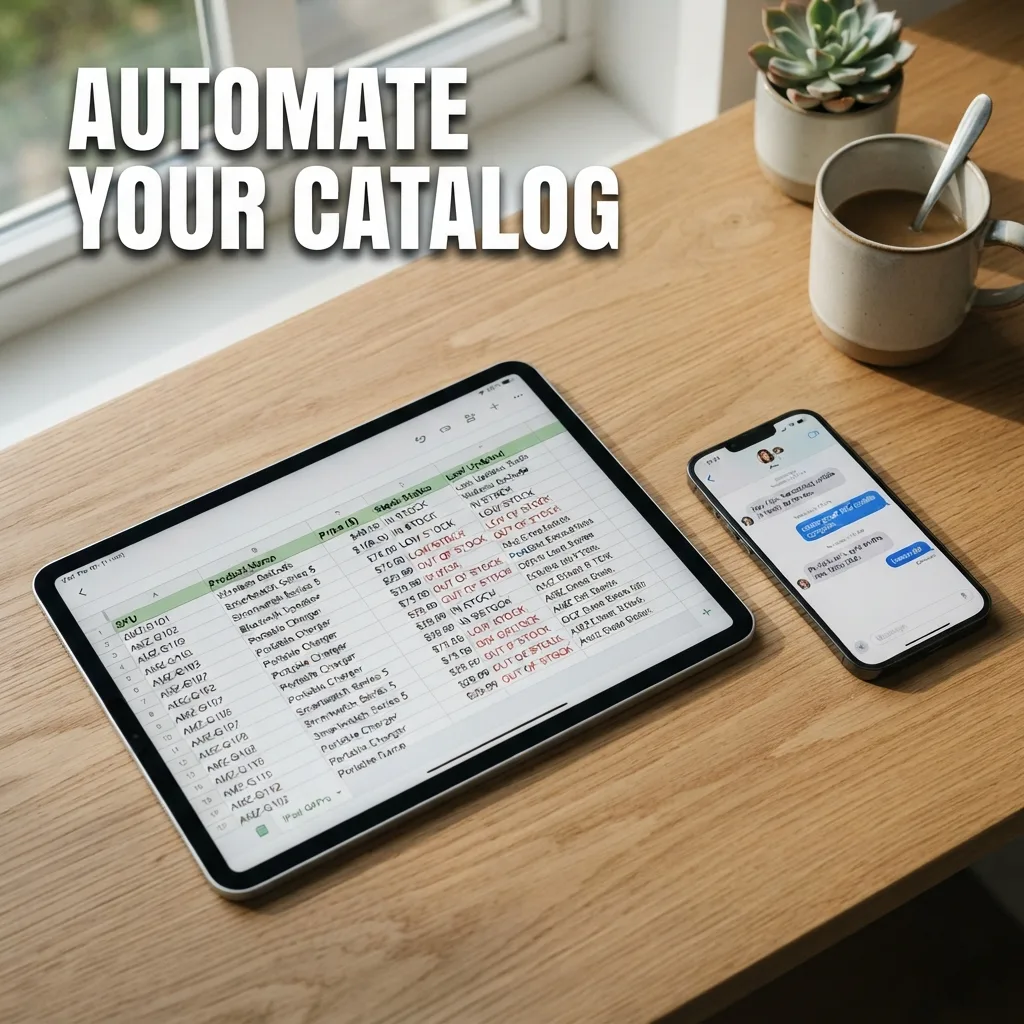
Automating your product catalog for AI sales requires converting static lists into a structured data format that AI agents can query in real time. By moving your inventory from PDFs or images into a centralized database, you ensure your AI sales assistant provides accurate pricing and availability without manual updates for every chat.
Why static catalogs fail AI sales agents
AI sales agents do not read product catalogs the way humans do. A PDF brochure or a JPEG price list is a visual representation, not a data source. When an AI attempts to scrape a PDF, it often misses row alignments or confuses columns, leading to the AI quoting the wrong price or promising an out-of-stock item.
To enable AI sales, you need a machine-readable format. This means your products must exist as individual entries with clear attributes: name, SKU, price, description, and stock status. When these are structured, the AI can perform a precise lookup rather than guessing based on a document's layout.
Step-by-step guide to catalog automation
Transitioning from manual entries to an automated system requires a shift in how you manage your data. Follow these steps to build a catalog that powers an AI sales desk.
-
Audit and standardize your attributes Define exactly what information the AI needs to close a sale. Every product should have a consistent set of tags. For example, if you sell clothing, every item needs a "Size" and "Color" field. If these are missing for some items, the AI will either hallucinate the detail or ask the customer a question you already know the answer to.
-
Move data to a centralized source Stop updating prices in separate chat messages or spreadsheets. Use a single source of truth, such as a CSV, a Google Sheet, or a dedicated database. This allows you to change a price in one location and have that change propagate to your AI agent instantly.
-
Implement a real-time sync trigger Automation fails if the AI relies on a snapshot of your inventory from last week. Set up a sync process where your AI sales tool reads the latest version of your catalog daily or upon every update. This prevents the "out of stock" friction that kills conversion rates during the checkout process.
-
Map conversational keywords to SKUs Customers rarely use exact product names. They might say "the red dress" instead of "RD-202-Red-Small." Ensure your catalog includes a "Keywords" or "Tags" column. This allows the AI to map messy human language to a specific product ID in your database.
The critical lever: Attribute Granularity
The most impactful factor in AI sales accuracy is attribute granularity. If you list a product simply as "Leather Shoes - $50," the AI has to ask the customer for the size, then check a separate list, then confirm availability.
Instead, break these into separate line items: "Leather Shoes - Black - Size 9 - $50." When the data is granular, the AI can confirm the exact item is available in one step. This reduces the number of messages exchanged, which is the primary driver of chat-based conversion rates.
Handling multi-language catalogs
For businesses operating in regions where customers mix languages, such as English and Bangla, your catalog automation must account for linguistic variations. You do not need to translate your entire database, but you should provide the AI with a glossary of common terms used in your industry.
If your product is a "Facial Serum," add tags for "মুখের সিরাম" (Mukher Serum). When the AI sees these terms in a chat, it maps them to the same structured product ID regardless of the language. This ensures the AI provides the same price and availability data to every customer, maintaining pricing integrity across different demographics.
Integrating automation into the sales workflow
Once your catalog is automated, it should flow directly into your order intake process. The AI should not just tell the customer the price; it should use the catalog data to build a digital cart within the conversation.
When a customer agrees to a price found in the automated catalog, the AI should automatically extract the SKU and quantity to create a customer record. This eliminates the need for a human to retype order details from a chat scroll into a spreadsheet, which is where most manual errors occur in chat-based commerce.
OrderPilot automates this entire flow by connecting your structured product data to your WhatsApp and Messenger chats for instant order taking.
Precision in your data structure is the only way to achieve reliability in AI sales.