Building a chat-first product catalog means structuring your inventory data so an AI can retrieve and present products naturally within a conversation. Unlike a traditional website grid, a chat-first catalog prioritizes conversational accessibility, allowing customers to find items through natural language queries rather than manual filters.
Shift from visual grids to conversational attributes
Traditional catalogs rely on a visual hierarchy where the user scans a page. In a chat interface, the user asks a question. To make your catalog chat-ready, you must transition from static descriptions to attribute-based data.
Instead of a long paragraph describing a shirt, break the product down into specific tags: material, fit, color, and occasion. When a customer asks for something "breathable for summer," the AI does not search for the word "breathable" in a long story; it filters for the attribute "Material: Linen" or "Season: Summer."
Structure your data for AI retrieval
To ensure an AI agent provides accurate pricing and availability without hallucinating, your data structure must be rigid. Use a standardized schema for every item in your catalog.
• Unique Product ID: A short, alphanumeric code for internal tracking. • Core Name: A clear, non-ambiguous title (e.g., "Premium Cotton White Tee" instead of "Summer Breeze Top"). • Mandatory Attributes: Fixed fields for price, SKU, and stock status. • Conversational Keywords: A list of synonyms or common terms customers use to describe the item (e.g., "formal wear," "office dress," "party outfit"). • Clear Call-to-Action: A specific instruction on how to order the item within the chat.
Optimize for the "Messy Middle" of chat queries
Customers rarely use the exact terminology found in a professional catalog. They use slang, typos, or mixed languages. A chat-first catalog solves this by mapping colloquialisms to professional product names.
If you sell luxury watches, your catalog should map the term "fancy watch" or "gold one" to your specific gold-plated models. This mapping layer prevents the AI from replying with "I don't understand" and instead allows it to suggest the closest match based on intent. This reduces friction and keeps the customer in the buying flow.
Implement a tiered discovery flow
Avoid dumping a list of twenty products into a single chat bubble. This creates cognitive overload and leads to abandoned carts. Instead, design a discovery flow that narrows options progressively.
First, the AI should identify the category (e.g., "Are you looking for footwear or accessories?"). Second, it should narrow by attribute (e.g., "Do you prefer leather or canvas?"). Finally, it should present 2-3 highly relevant options with a direct link or a "Buy Now" prompt. This mimics the experience of a helpful sales assistant rather than a digital vending machine.
The critical lever: Real-time inventory synchronization
The most impactful part of a chat-first catalog is not the descriptions, but the accuracy of the stock levels. There is nothing more damaging to customer trust in chat commerce than an AI confirming a product is available, only for a human to follow up ten minutes later saying it is sold out.
Your catalog must be linked to a live inventory source. When a product hits zero, the AI must automatically remove it from the suggested options or pivot the conversation to a similar alternative. This automation transforms the chat from a simple inquiry tool into a reliable sales channel.
Transitioning from inquiry to order
A catalog is useless if it only informs; it must convert. The final stage of a chat-first architecture is the seamless transition from "Do you have this?" to "I'll take it."
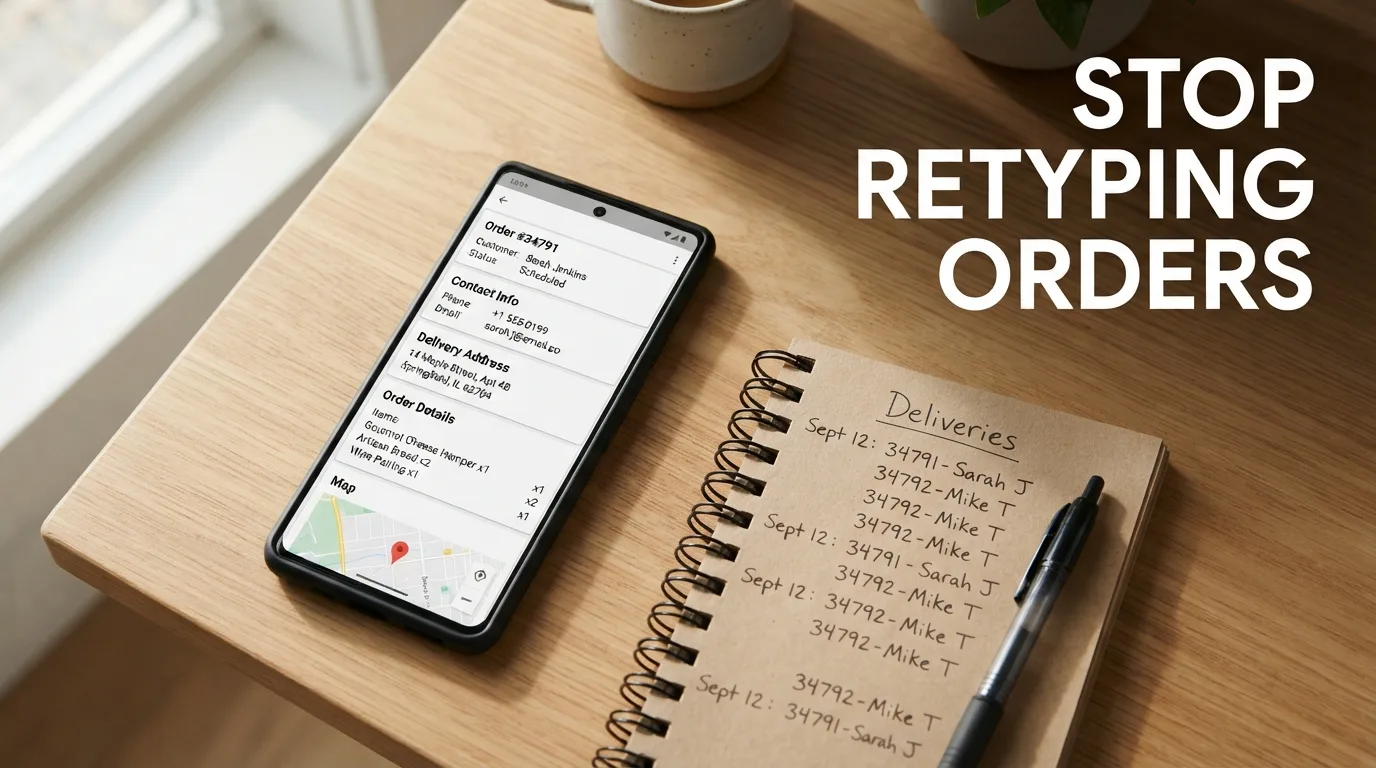
Ensure your AI can extract order details—size, quantity, and shipping address—directly from the conversation flow. The catalog should feed these details into the order record automatically, eliminating the need for the seller to manually copy-paste information from a chat window into a spreadsheet.
OrderPilot automates this entire cycle by turning your product list into a conversational AI that takes orders and manages customer records in one place.
Structure your data for the machine, but present it for the human.