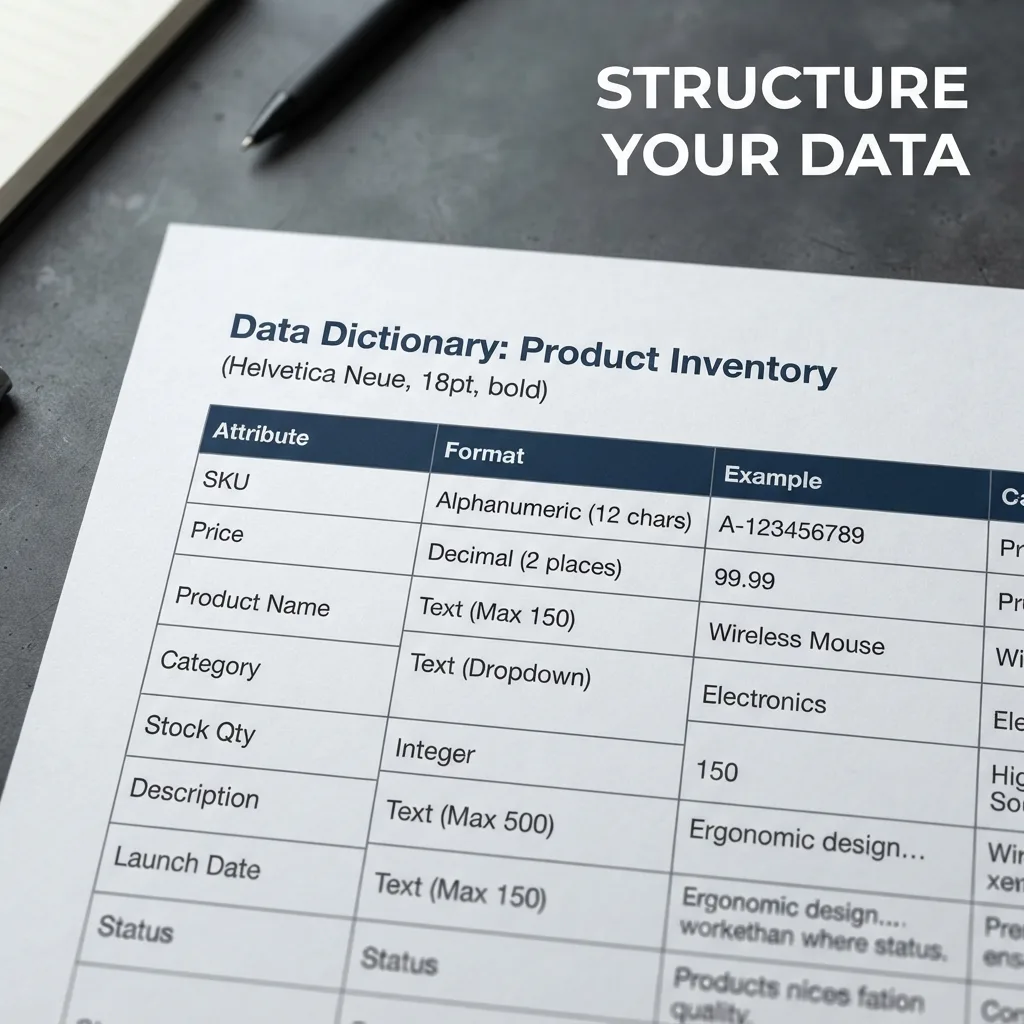
Building a machine-readable product catalog requires structuring your inventory data into a standardized, predictable format that software can parse without human intervention. This process transforms a visual list of items into a structured dataset—typically JSON, CSV, or XML—where every attribute has a consistent key and value, allowing AI agents and order systems to retrieve prices and availability instantly.
Define a rigid schema for product attributes
Machine readability fails when data is inconsistent. A human understands that "Large," "L," and "Size: L" mean the same thing, but a machine sees three different strings. You must establish a strict schema that defines exactly which attributes every product must have.
Start by separating core identity from descriptive metadata. Core identity includes the SKU (Stock Keeping Unit), a unique alphanumeric identifier that serves as the primary key for the entire catalog. Descriptive metadata includes attributes like material, dimensions, and weight.
Create a data dictionary that mandates the format for every field:
• Price: Use a consistent decimal format (e.g., 12.99) and a separate ISO 4217 currency code (e.g., USD) rather than symbols like $ • Weight: Define a standard unit (e.g., grams) to avoid mixing kilograms and pounds • Color: Use a predefined list of values (e.g., "Navy Blue" instead of "Darkish Blue")
Implement a hierarchical category structure
Flat lists are difficult for machines to navigate as they scale. To make a catalog machine-readable, organize products into a parent-child hierarchy. This allows a system to filter options logically before searching for a specific SKU.
For example, instead of a single list of 500 items, use a structure like: Electronics > Audio > Headphones > Noise Canceling.
This hierarchy serves as a roadmap for AI agents. When a customer asks for headphones, the system narrows the search space to the "Audio" branch, reducing the risk of returning irrelevant products and improving response speed.
Convert unstructured descriptions into key-value pairs
Most catalogs suffer from "blob text," where product details are buried in a long paragraph. A machine cannot reliably extract a warranty period or a battery life from a 200-word description without risking hallucinations or errors.
Move every critical specification into its own field. If a product description says, "This waterproof watch is great for diving up to 50 meters," the machine-readable version should look like this:
• Feature: Waterproof • Depth_Rating: 50m • Category: Watch
This transformation allows a system to perform exact matches. If a user asks for a watch that can handle 50 meters of depth, the machine queries the Depth_Rating field directly rather than guessing based on a text search.
Prioritize a single source of truth for synchronization
The most common failure in machine-readable catalogs is data fragmentation. When the price changes in a spreadsheet but remains the same in the chat bot, the system loses trust.
Establish one master database (the Single Source of Truth) and use APIs or scheduled exports to push updates to all other channels. Avoid manual entry across multiple platforms. If you use a CSV export, ensure the column headers never change, as a shift from "Price" to "Unit_Price" will break the integration pipeline.
The critical lever: Standardizing the SKU
If you only optimize one part of your catalog, make it the SKU. The SKU is the bridge between your customer-facing chat, your inventory management, and your shipping software.
Avoid using manufacturer SKUs if they are inconsistent. Create your own internal SKU logic that is unique, permanent, and devoid of special characters. A clean SKU ensures that when an AI agent identifies a product in a chat, it maps to the exact item in your warehouse without ambiguity.
Testing for machine comprehension
Once your catalog is structured, test it using a basic script or an AI prompt. Feed the machine a few entries and ask it to perform a specific task, such as "Find the cheapest blue item in the Audio category."
If the machine struggles, look for "dirty data." This usually manifests as trailing spaces, inconsistent capitalization, or missing values in required fields. Clean these at the source rather than trying to fix them via the software interface.
Automating the catalog-to-chat pipeline
Once your catalog is machine-readable, you can connect it to an AI sales assistant to handle order intake automatically. OrderPilot uses this structured data to answer customer questions in real-time and take orders directly from WhatsApp or Messenger without manual data entry.
Structure your data today so your shop can answer itself tomorrow.