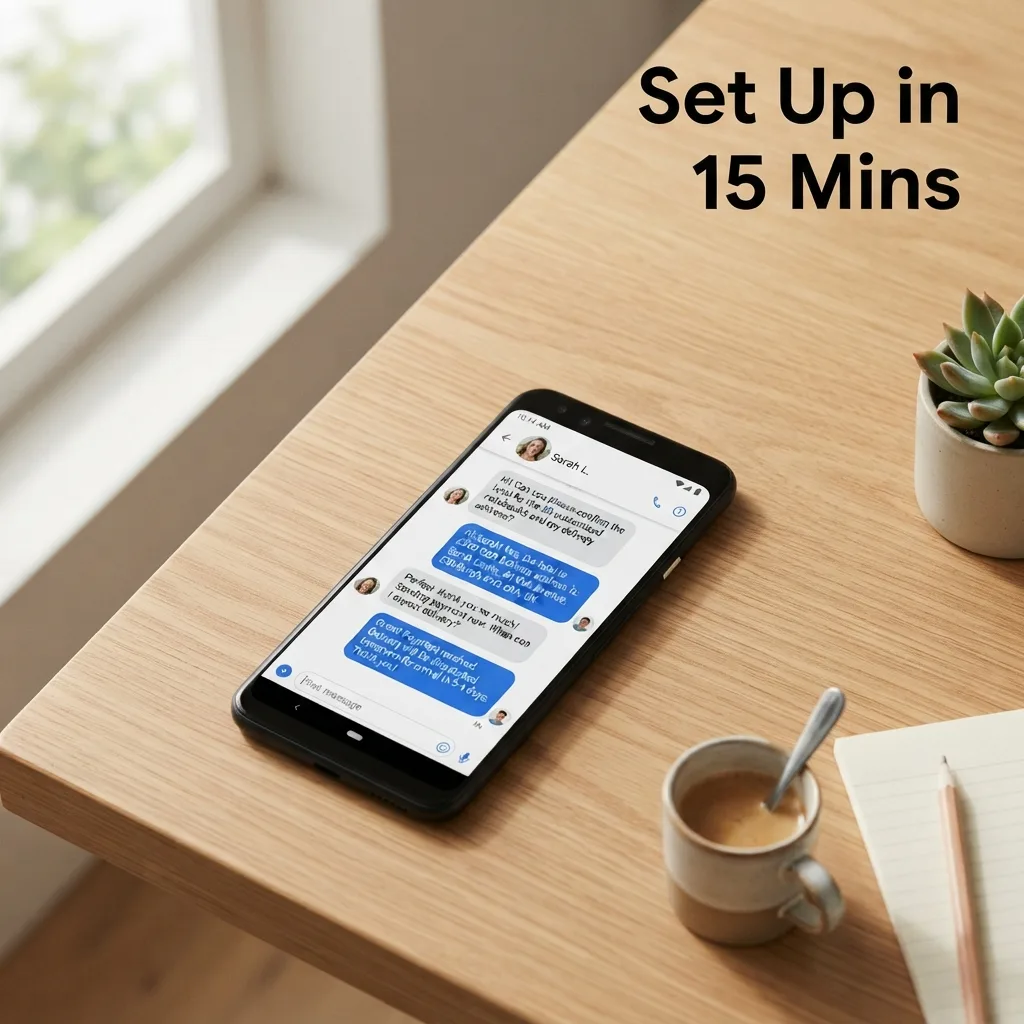
You can set up an AI sales agent in 15 minutes by connecting your chat channels to a centralized AI order desk and uploading your product catalog. This process replaces manual chat monitoring with an automated system that answers queries, captures customer details, and records orders in real-time across WhatsApp and Messenger.
Map your product data for AI accuracy
The quality of your AI agent depends entirely on the data it accesses. Instead of writing complex scripts, provide a structured list of your products. The AI uses this as its single source of truth to prevent hallucinations and pricing errors.
• Export your current inventory to a CSV or spreadsheet. • Include critical attributes: product name, current price, available sizes, colors, and stock status. • Add a "Frequently Asked Questions" column for shipping times and return policies. • Upload this file to your AI knowledge base to ensure the agent never guesses a price.
Connect your primary chat channels
An AI agent is only useful if it sits where your customers already are. Most sales happen in fragmented apps, which leads to missed messages during off-hours. Centralizing these into one inbox allows the AI to monitor all streams simultaneously.
Start by linking your WhatsApp Business API and Facebook Messenger. Once connected, the AI intercepts incoming messages immediately. This eliminates the gap between a customer's inquiry and your response, which is typically where most sales are lost.
Define the handoff trigger
Total automation is rarely the goal; the objective is to automate the repetitive 80% so humans can handle the critical 20%. You must define exactly when the AI should stop talking and a human should take over.
Common handoff triggers include:
- Requests for custom discounts beyond a set percentage.
- High-value orders that require manual verification.
- Complaints or frustration detected in the customer's tone.
- Specific keywords like "speak to a manager."
Configure the order capture sequence
Setting up an AI sales agent in 15 minutes requires a streamlined checkout flow. The agent should not just answer questions but actively guide the user toward a purchase. This is the most impactful lever in your setup because it converts a conversation into a transaction.
Train the agent to follow this sequence:
- Confirm the product and quantity.
- Request the delivery address and contact phone number.
- Summarize the total cost including shipping.
- Log the order details into the CRM automatically.
By automating the data collection, you remove the need to manually retype order details from a chat scroll into a spreadsheet.
Implement multi-language support for local markets
In regions where customers mix languages, such as using English and Bangla (Banglish), the AI must be configured for natural language processing. A rigid bot that only understands formal English will alienate customers. Ensure your agent is set to detect and respond in the customer's preferred language automatically. This ensures the sales experience feels personal and local, regardless of the time of day.
Test the agent with a live customer journey
Before going live, run a three-step test to verify the agent's behavior. Send a message from a separate account and attempt to buy a product. Verify that the AI provides the correct price, captures the address accurately, and creates a customer record in the inbox. If the AI misses a detail, update the product catalog or the instruction set immediately.
OrderPilot provides the AI order desk and CRM needed to execute this setup quickly.
Your shop should answer itself and remember every customer without you being glued to a screen.