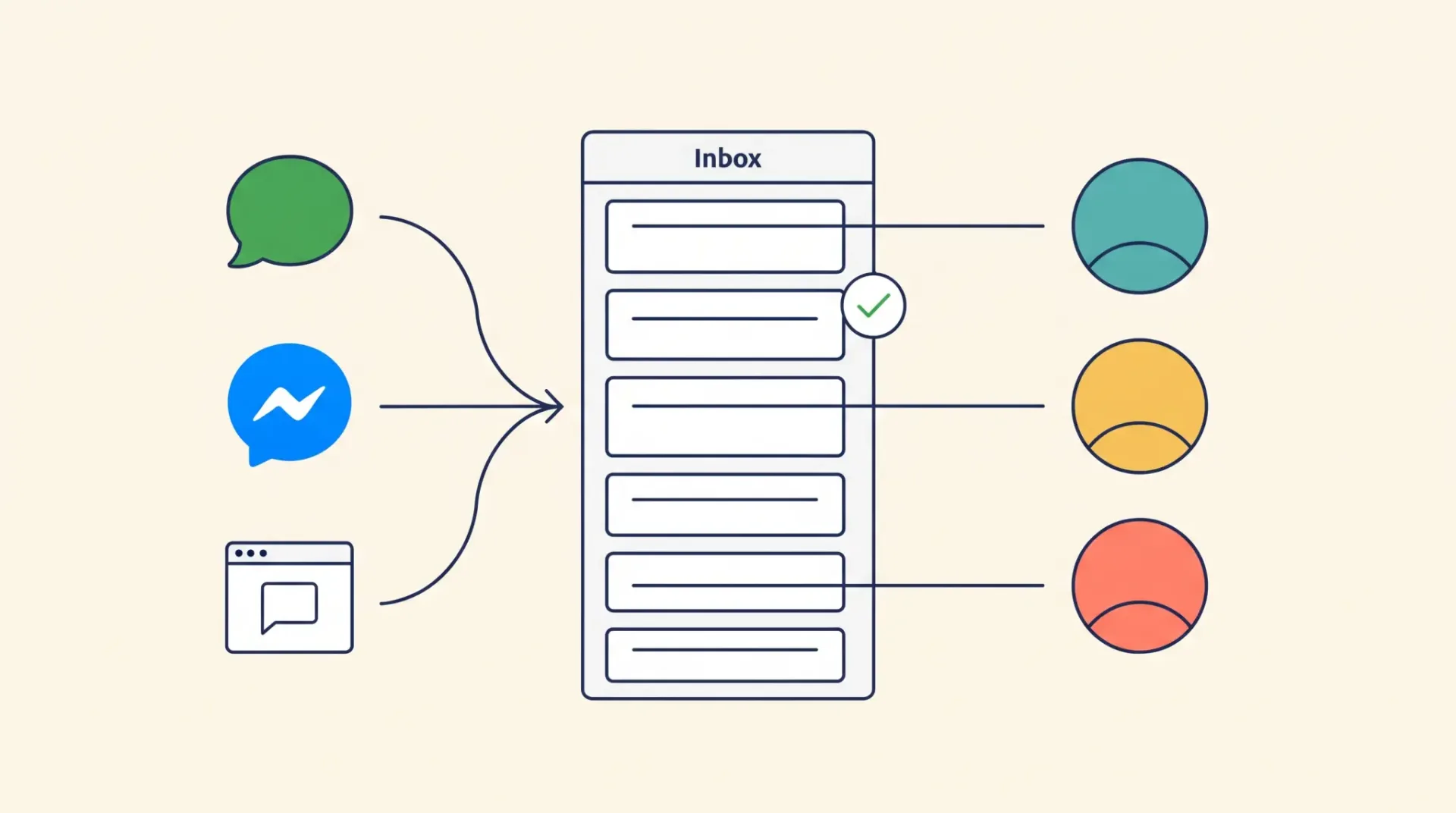
You can trust an AI to take orders in chat if it only drafts them and you confirm before anything ships. The AI does the typing, you keep the decision. Here is how that works for a solo seller, what to check each day, and when to keep a conversation to yourself.
Why the fear is reasonable
Chat orders are messy. Customers write short messages in Bangla, English, or a mix of both, and they usually write in a hurry. A size gets dropped, a quantity changes halfway through, an address arrives in three separate messages. Now picture software making sense of all that and telling your buyer "done." Most sellers have been burned by a misread message at least once, so wanting a person in the loop is sensible, not old-fashioned.
The trap is treating it as all or nothing, as if the only options were typing every order yourself or letting software decide everything. The useful middle is a setup where the AI does the slow part, reading the chat and filling in the order, and you do the part that carries risk, which is saying yes.
What a wrong order costs a solo seller
A wrong order has a direct price. A refused parcel costs you delivery and return charges, and you have already spent time packing it and answering messages. The five checks to run before you ship a COD order exist because that loss is common.
Doing nothing is not free either. A message that lands after hours or during a busy moment often goes unanswered, and an unanswered message is usually a lost sale. Orders also get buried in the chat scroll, which is the problem behind losing orders in WhatsApp and Messenger. Your aim is fewer lost sales without adding a new way to ship the wrong thing.
How to trust an AI to take orders without losing control
Trust comes from habits you set up, not from a tool promising to be careful. These five cover most of it.
- Give the AI a clean catalog to read. It should quote prices and stock only from your real products, and it should not confirm an item it cannot find. That only works when your records are complete, so fix product names, sizes, colors, and prices first. This guide on training an AI sales assistant on your product catalog shows how, and machine-readable product data explains why labelled records give faster, correct answers.
- Treat every order the AI takes as a draft. A draft holds the item, variant, quantity, price, customer, and shipping address, and it waits for your confirmation. Nothing goes out the door until you say so.
- Review drafts at fixed times in your day. Open each one next to its chat and compare the item, the size or color, the quantity, the phone number, and the address. This takes far less time than typing the order yourself, because the details are already filled in.
- Run your usual risk checks before you ship, especially on cash on delivery. A draft that looks right can still come from someone who refuses parcels.
- Keep your own edits as the final word. If the AI hears a new detail in the chat that clashes with something you typed yourself, you want that held for your approval, not quietly swapped in.
What the customer sees along the way
In the chat, the customer gets a quick reply and is told the order is confirmed. On your side it stays a draft until you confirm it. That gap is your window to check the details and message the customer if something looks off. You can step into any chat at any time to correct a mistake, and when you reply the AI steps back, so the customer never gets two answers.
After you confirm, the order moves along a simple timeline from confirmed to delivered. You can name and color the statuses yourself, so they match how you actually work. An order the AI captured and one from a chat you or a teammate handled go through the same statuses, which keeps your list in one shape.
You can also share a tracking link, so a customer can check the status of their own order instead of asking you. If they ask in the chat anyway, something like "amar order ta kothay?", the AI can give the status as long as the order exists.
Chats that should always reach you
Some conversations are not worth automating. An angry customer, a refund demand, abuse, a threat, or an unsafe request should go to a person, and you should be told when it happens. A sound setup also never asks a customer for passwords, PINs, one-time codes, or full card numbers.
You can also decide that a particular chat is yours. Turn the AI off for that one conversation when a regular buyer asks for something unusual, or when you simply want to handle the relationship yourself. The AI keeps working on every other chat.
How to tell it's working
Pick a handful of drafts each week and compare them with their chats. If the details match, your catalog and your review habit are doing their job. If the same field keeps going wrong, say the size on one product, fix that product record first.
Then watch what you stop typing. If customers who ask about their order get an answer without you, and your orders land in one place instead of a notebook, the setup is paying off. OrderPilot follows this pattern: the AI captures orders from your chats as drafts, and you confirm each one before anything ships.
When this doesn't apply
If most of your sales are custom or made to order, with prices agreed one customer at a time, an AI that reads a catalog has little to work from, and it should never guess a price. Keep those chats yourself and let the AI handle the first reply and your standard items.