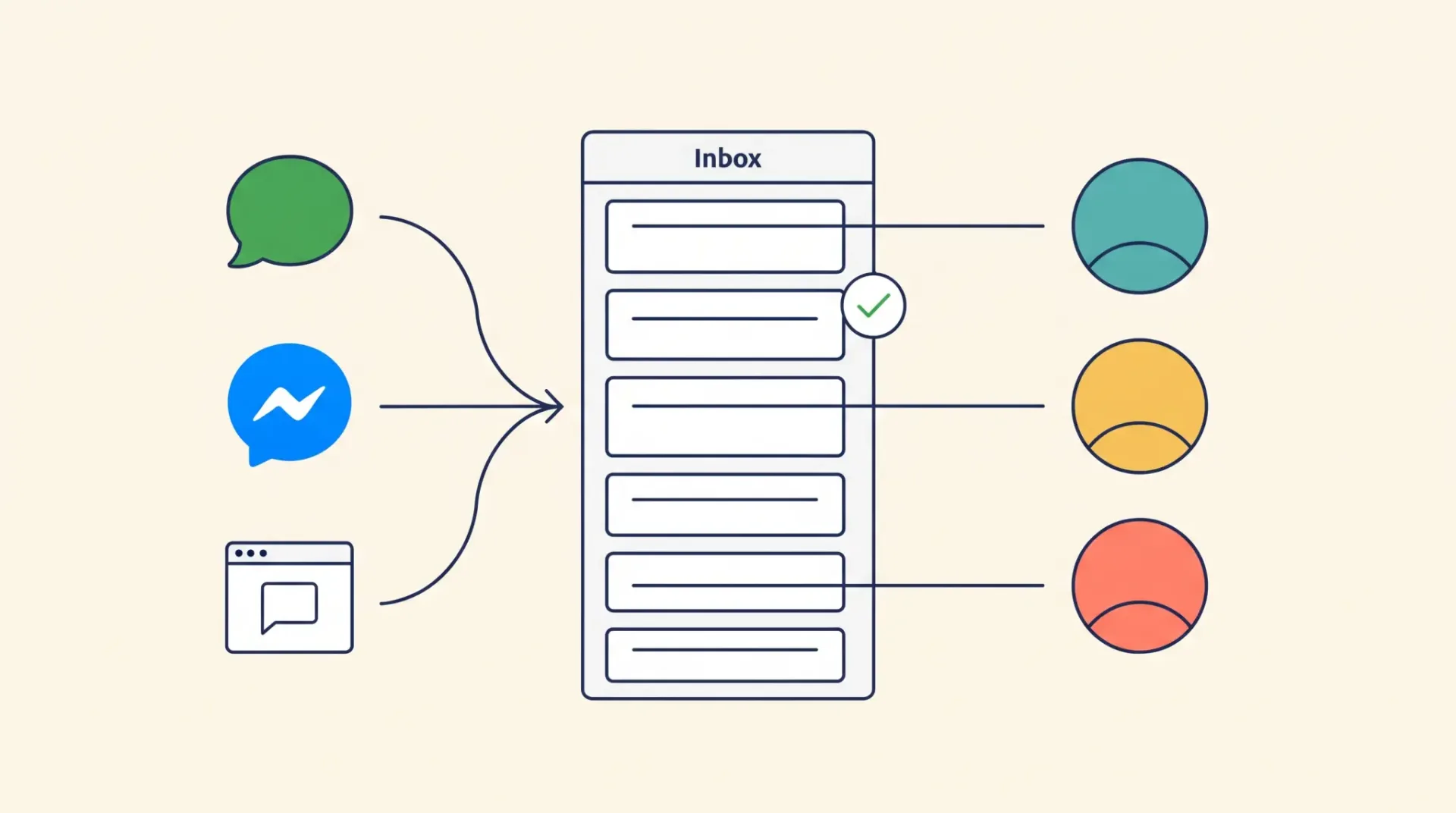
You don't train an AI sales assistant on your product catalog the way you train a model. You give it a clean catalog and it sells from that. Prices, stock, sizes, and photos come from your records, so the work is getting those records right, not teaching the AI anything.
Why "training" is the wrong picture
When people say "train," they picture an AI studying examples until it remembers your shop. That is not what a chat assistant needs. It needs to look things up. A customer asks whether the blue t-shirt in size M is in stock, and the right answer lives in one place: your product record.
A good assistant checks the catalog before it quotes a price or confirms stock. If it cannot find an item, it should say so instead of guessing. That is the behavior you want, because a confident wrong price is worse than a slow answer.
The second cause is where your product information lives today. For most chat sellers it sits in old Facebook posts, in photo captions, and in the seller's head. The assistant cannot read your head. Our guide to machine-readable product data for AI-ready chat shops covers how to turn those scattered posts into clean, labelled records.
What a thin catalog costs you
Customers write short, messy messages in Bangla, English, or a mix of the two, and they write at all hours. Most of them ask the same few things: is it in stock, what size, what color, what price, can I see a photo.
If the record does not hold the answer, the assistant has nothing to give. An unanswered message is usually a lost sale. The same gap hurts later in the order. When size, color, and quantity are not structured in the catalog, they are easy to lose or confuse once the chat scrolls away.
How to train an AI sales assistant on your product catalog
Start with your best sellers, not the whole shop. Get ten products right before you worry about the other two hundred. Four things matter most for each one.
Write a description that answers questions
Think about what customers actually ask. "Ei product ta ki cotton?" is a description question. Put the material, what is included, and any detail that customers keep asking about into the product description, in plain sentences. The assistant answers from what you wrote, so a blank description means a blank answer.
Set options and variants properly
Add size and color as options, then create a variant for each combination. Give every variant its own price, stock count, and availability. A SKU helps you track it, and if your tool can generate one automatically, let it.
This is what lets the assistant answer "blue t-shirt, size M, one piece" with a real yes or no. If there is no blue and M variant, there is nothing to confirm.
Add a photo for each variant
Customers ask for pictures all the time. When the assistant knows which variant the customer means, it can send that variant's photo instead of a generic product shot. Upload a clear image against each variant, especially where color changes the look.
Keep stock and prices current
An outdated stock count produces a confident wrong "yes." Update stock when you sell out or restock, and update the price when it changes. If you are moving a large catalog over, importing from a CSV or XLSX file beats retyping. Check the column mapping and the preview before you finish, and decide what to do with duplicates, whether to skip them or update them.
Teach it your rules, not just your products
A catalog answers "what" and "how much." It does not answer "how much for delivery to Sylhet" or "can I return this." Those are rules, and the assistant needs them written down too.
Set your delivery charges by area, such as inside Dhaka, Dhaka suburbs, and outside Dhaka, or one flat rate for everything, so the assistant quotes the real number. List the payment methods you accept, such as bKash, Nagad, or cash on delivery. Write your return and exchange terms in short, plain sentences, one rule per line, and make sure no two rules contradict each other.
If your assistant supports its own instructions and a knowledge base, this is where they go. Put policies there, not in the product descriptions.
Test it before customers do
Message your own shop the way a customer would. Use messy, mixed-language wording, like "bhaiya, blue t-shirt size M ta stock e ache? 1ta lagbe." Then try the awkward cases on purpose:
- A variant that is in stock, and one that is sold out.
- An item that is not in your catalog at all. The assistant should not confirm it.
- A price question and a photo request.
- A delivery question for an address outside Dhaka.
- An angry message or a refund demand. This one should go to a human, not get an automatic answer.
For every test order, check that the item, variant, and quantity came out right. Fix the record behind each wrong answer, then run the test again. Keep the ability to step into any chat yourself, so a mistake never has to reach the customer unchecked. OrderPilot reads from your catalog as the source of truth, imports CSV and XLSX files including Shopify and WooCommerce exports, and keeps orders as drafts until you confirm them.
How to tell it's working
Three signals are worth checking after the first week of real chats:
- Customers get the right answer on stock, size, color, and price without you stepping in.
- The orders it captures show the correct variant and quantity, so you confirm instead of retyping. This is the habit behind how to stop losing orders in WhatsApp and Messenger.
- Handoffs to you are for real human moments, like an upset customer, not for questions your catalog should have answered.
Once orders are saved cleanly, each buyer also becomes a record you can follow up with. Repeat customers from chat orders shows how to start.
When this doesn't apply
If you already run a large warehouse or a full ERP system, keep it. A chat assistant works best as the front desk in front of those tools, turning conversations into confirmed orders, while your stock system stays the place where inventory is managed. In that setup, your job is to keep the catalog the assistant reads in step with the system behind it.