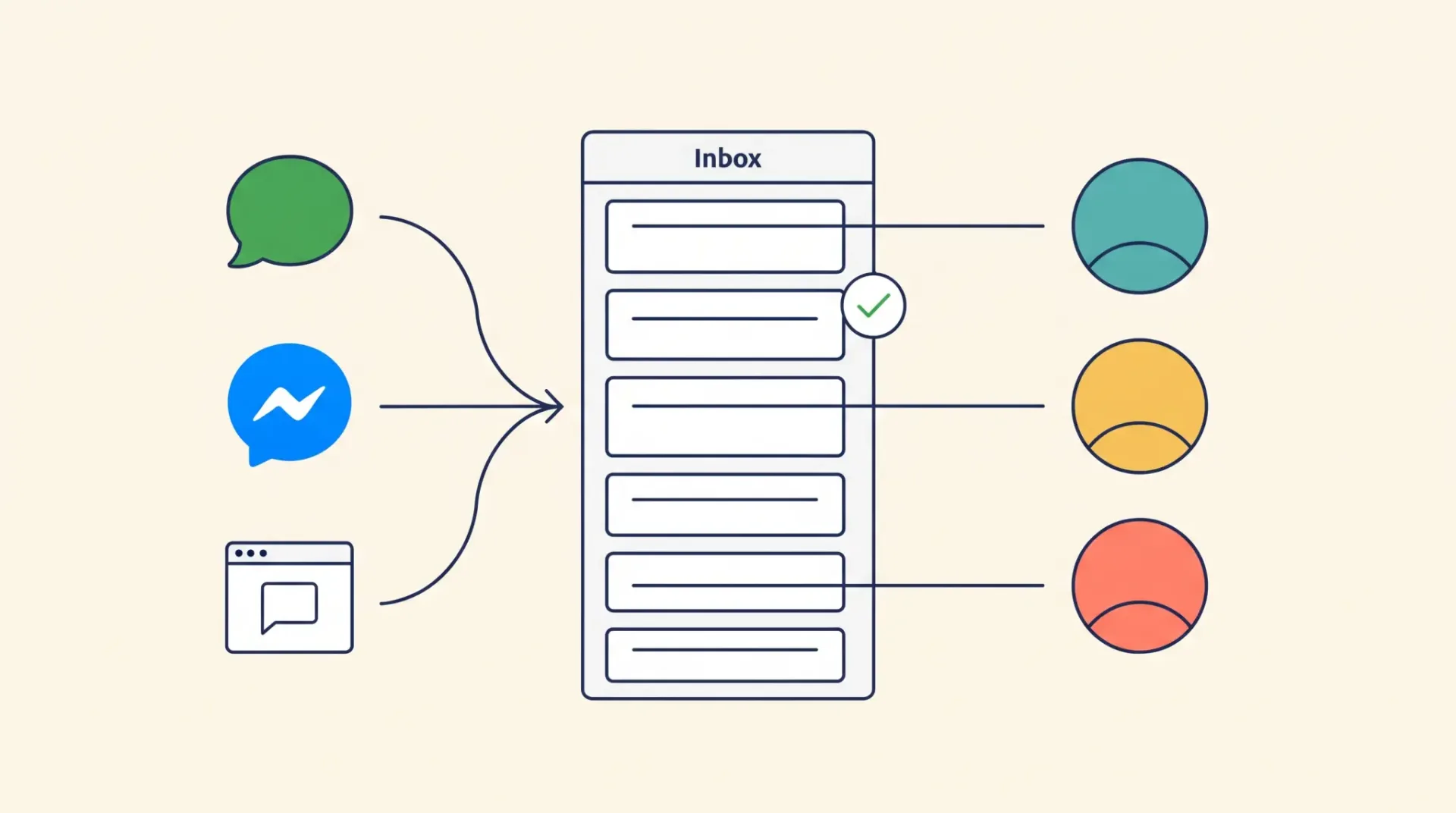
A customer list for Facebook sellers is a record of who bought, what they ordered, and how to reach them, kept outside the chat scroll. Your Messenger inbox holds all of that, but not in a form you can search. Here is how to turn each conversation into a record you can use.
Why a Messenger inbox cannot be your customer list
An inbox is organized by time. The newest message sits on top, and everything else sinks as new chats arrive. A customer list is organized by person: one entry per buyer, with everything you know about them in one place.
That difference matters most when a past buyer comes back. They write to say they want the same thing again, and you have to scroll through weeks of other conversations to find what they ordered and where it was sent. Messages arrive in Bangla, English, and Banglish, and details like size, colour, and address are scattered across short replies. Searching for a single word rarely finds the right one.
Orders get buried the same way. If that is your bigger problem, how to stop losing orders in WhatsApp and Messenger explains how to give every order one fixed place to live the moment a customer says yes.
What forgetting a buyer costs you
Facebook is crowded. The E-Commerce Association of Bangladesh (e-CAB) has put the number of Facebook-based businesses in the country at around 2.5 lakh, so a buyer who liked your product has plenty of other places to spend. When they return and you cannot remember what they bought, you ask them to repeat details they already gave, or you guess. Sometimes the guess is wrong.
The bigger cost sits in marketing. Estimates vary by source and industry, but business groups such as the Chartered Institute of Marketing and HubSpot put the cost of winning a new customer at roughly 4 to 25 times the cost of keeping an existing one. Those figures come from global research, not from Bangladeshi F-commerce specifically, so read them as a direction. The direction is still useful: a buyer you already have is the cheapest sale available, and you can only message them if you know who they are.
What a customer list for Facebook sellers should hold
Keep it small. Six things carry most of the value:
- Name, as the customer uses it.
- Phone number, in one consistent format so the same person never appears twice.
- Delivery address, the latest one they gave you.
- Order history: what they bought, which size or colour, and when.
- A short note, such as "prefers cash on delivery" or "asks about discounts".
- A tag or stage, such as new buyer, repeat buyer, or gone quiet.
The phone number matters most. Profile names change and nicknames vary, but a number identifies the same person every time, so it should be the key for everything else. It is also what makes a phone number history possible, which is one of the quick checks in 5 checks to run before you ship fake and refused COD orders.
How to build the list from your chats
Start with the chats you already have, then add each new buyer as they order.
- Pick one place for the list. A spreadsheet works. Use one row per customer and one column for each item above.
- Use the phone number as the identity. Before adding a row, search for the number. If it exists, update that row instead of creating another.
- Capture details while they are fresh. Right after an order is confirmed, copy the name, number, address, and items into the list. Waiting until the evening means re-reading the whole chat.
- Write the note while you remember. One line about what the customer asked for or how they like to pay is enough.
- Tag every customer. Mark new buyers and repeat buyers differently so you can filter for them later.
- Message past buyers with a reason. A restock of the item they asked about, or a new arrival close to what they bought, gives them something to reply to.
Step six is where the list pays for itself. Without a reason to write, a message to an old customer reads like an advert. With one, it reads like a seller who remembers them. For a fuller follow-up routine, see repeat customers from chat orders: 6 steps to start.
How to keep the list current
The weak point of any manual list is upkeep. Typing details after a long day of chats is the first job to slip, and a stale list is worse than a short one because you start trusting wrong data.
Two habits help. Update the row in the same sitting as the order, and pick one fixed day each week to merge duplicates and correct addresses. If you would rather not copy details by hand, OrderPilot creates a customer record from the first message in a chat and saves phone numbers and order history from the conversation.
How to tell the list is working
Two checks are enough. First, when a past buyer writes, you can say what they ordered last time within seconds, without scrolling. Second, you can name the customers who bought once and have not returned, and you have sent some of them a message recently.
If you cannot produce that second group on demand, the list is not yet doing its job. Look at which of the six fields is usually empty and fix that first.
When a simple list is enough
If you take only a handful of orders a week and you are the only person answering chats, a notebook or a spreadsheet is enough. The effort of a structured list pays off as volume grows, or when more than one person replies to customers and the details end up in different heads.